Getting Started with BillingOne
BillingOne is PanelOne's dedicated billing and finance interface. PanelOne is where your MSP connects and operates its RMM, security, M365, marketplace, domain, and PSA data. BillingOne is where finance turns that trusted source data into contracts, quantities, invoices, reconciliation, and revenue analytics.
BillingOne is part of the PartnerOne suite. See the suite overview.
BillingOne Mobile
Review AR, draft invoices, and triage missed billing on iPhone, iPad, or Android with BillingOne Mobile. Same credentials as the web app.
→ BillingOne Mobile getting started
Accessing BillingOne
There are three ways to get to BillingOne:
| Method | How |
|---|---|
| Direct URL | Navigate to app.billingone.dev |
| Cross-app navigation | Use the app switcher in PanelOne's header |
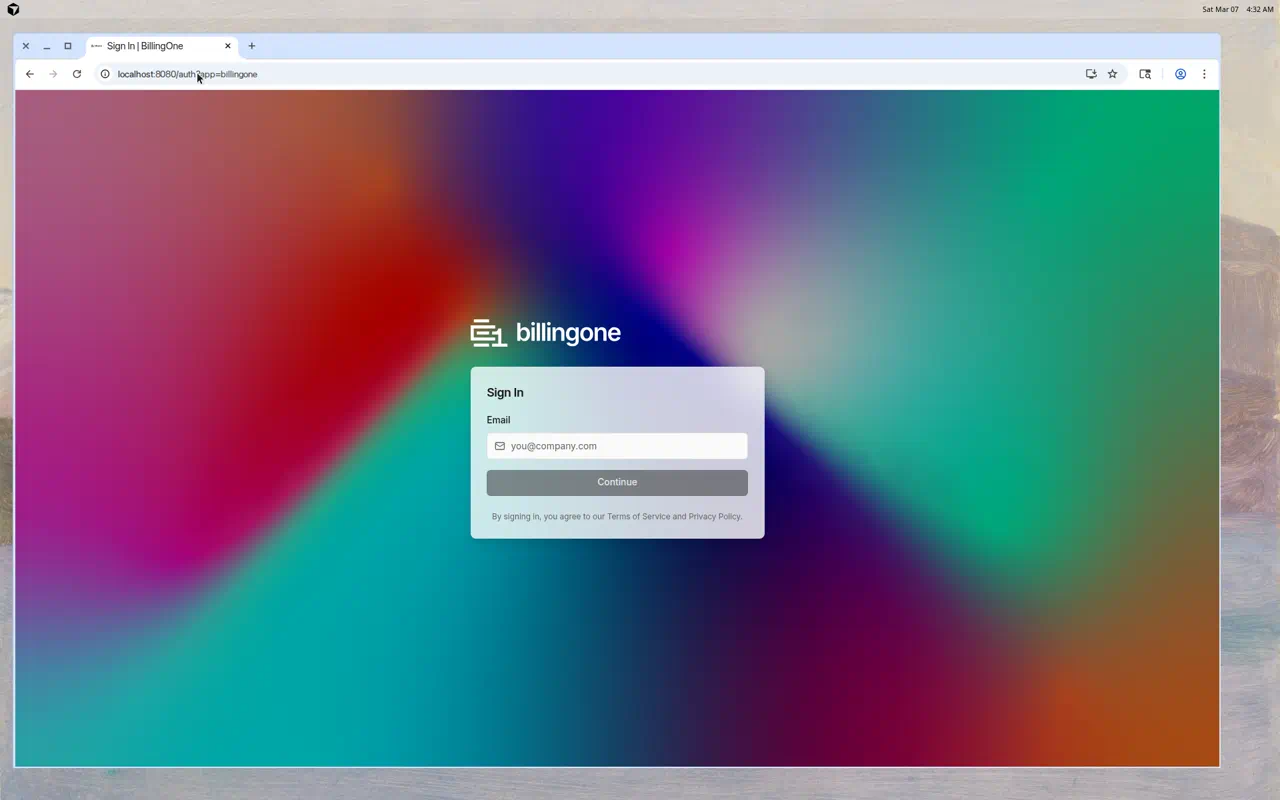
| URL parameter | Add ?app=billingone to your PanelOne URL |
PanelOne and BillingOne share the same organization and the same PartnerOne sign-in. Both apps send you to login.partnerone.dev when you need to sign in; after a second factor you return to the app automatically. See Sign in and set up MFA and BillingOne — Accessing BillingOne.
Signing In
Staff sign in through PartnerOne sign-in (IdentityOne) at login.partnerone.dev. There is no separate password inside BillingOne. Full walkthrough: Sign in and set up MFA.
- Open BillingOne (see methods above). You are sent to PartnerOne sign-in at
login.partnerone.dev. - Enter your email address.
- Enter your password, or continue with Microsoft if your organisation has set up Entra SSO.
- Complete a second factor. You must set up and use a second factor to access PartnerOne apps — your organisation can't switch MFA off. A password sign-in can succeed and then send you to enrol or challenge you.
- On first sign-in, set up an authenticator app and save your recovery codes (they are always shown after enrolment). BillingOne requires an authenticator-app code — passkey-only staff are refused and told to enrol one. See Passkeys.
- You return to BillingOne automatically. Suite apps do not show a consent screen.
You use the same PartnerOne sign-in as PanelOne — there is no separate BillingOne account.
See Set up Microsoft Entra SSO if your organisation uses Entra.
First-Time Setup
When you first access BillingOne, the onboarding wizard helps you set up:
- Create your organization (if not already done in PanelOne)
- Select billing integrations — Choose billable sources such as Pax8, Xero, QuickBooks, and/or Synergy Wholesale (for Domains & Hosting)
- Review your profile
- Complete setup
If you've already completed onboarding in PanelOne, BillingOne will use the same organization.
For RMM, security, M365, and other operational sources, connect those providers in PanelOne. BillingOne does not replace your RMM; it relies on PanelOne to normalize those sources into billable data.
Navigating BillingOne
Sidebar
The left sidebar contains all BillingOne pages (high level):
- Dashboard — Subscription MRR, unified AR, ops signals
- Clients / Client mappings — Billing 360 and mapping readiness
- Subscriptions — Pax8 subscription review
- Contracts / Quotes / Renewals — Service agreements and commercial pipeline
- Catalog & pricing — Catalog, CoA, entity counters, dynamic qty, labour, bundles
- Generated invoices / Credit notes — Native BillingOne AR documents
- Accounting invoices — Ledger/PSA snapshots
- Reconciliation / Missed billing — Device/license variance and revenue opportunities
- Reports — Subscription/Contract MRR, aging; AR / statements / profitability via Reports menu
- Procurement — POs, suppliers, Domains & Hosting
- Settings / Marketplace — Integrations, invoice generation, primary accounting provider
See the usage guide for contract→cash detail.
Header
The top bar includes:
- Live indicator — Shows BillingOne is connected and up to date
- Search — Find subscriptions, clients, or invoices
- Notifications — System notifications
- User menu — Your account and sign out
Who Is BillingOne For?
BillingOne is designed for:
- Finance Managers — Track MRR, invoices, and revenue
- Billing Administrators — Manage subscriptions and reconcile licenses
- MSP Owners — Review financial health across all clients
Use the Finance role in PanelOne's team settings to give billing-only access to team members who don't need the full operational dashboard.
Switching Between Apps
To go back to PanelOne from BillingOne:
- Use the cross-app navigation link in the header
- Navigate directly to
app.panelone.dev
If you are asked to sign in again, use the same PartnerOne sign-in at login.partnerone.dev. See App switcher and BillingOne — Accessing BillingOne.
Next Steps
- Connect Pax8 — Set up your subscription data source
- Connect Xero or QuickBooks — Set up ledger sync for generated invoice push and accounting snapshots
- View the Dashboard — See your financial overview